
Need help with an Agoda booking? Whether you need to cancel a hotel, change travel dates, check on a refund, or fix a check-in problem, the fastest path is usually through your Agoda account and the specific reservation.
Agoda customer service handles many common booking issues, but you can often save time by knowing what to prepare before you contact support. This guide explains how to reach Agoda, what information to have ready, and what to do when you need help quickly.
How Do I Contact Agoda Customer Service?
The safest place to start is the official Agoda Help Center .
Sign in to your Agoda account, open the booking you need help with, and use the support or contact option connected to that reservation. Agoda says its customer service messaging platform is available 24/7.
Using the booking-specific contact path matters because it gives support access to the reservation details they need. It also helps you avoid phone numbers and websites that may not be official.
Agoda Customer Service: Who Should You Contact?
The right contact depends on the problem. Agoda usually handles booking changes, cancellations, payments, and refunds. The hotel may be able to help with immediate check-in questions or problems during your stay. In some cases, you should contact both.
| Problem | Best first step | Information to prepare | Who should be contacted? |
|---|---|---|---|
| You cannot find your booking | Check your Agoda account, booking email, and spam folder. If it is still missing, contact Agoda through the Help Center. | Booking ID, email address used, guest name, property name, and travel dates | Agoda |
| You need to change your dates or guest details | Open the booking in Agoda and check the available change options before contacting support. | Booking ID, requested changes, original travel dates, and guest information | Agoda |
| You need to cancel a booking | Review the cancellation terms in your Agoda reservation, then submit the cancellation through Agoda. | Booking ID, cancellation reason, payment details, and cancellation policy | Agoda |
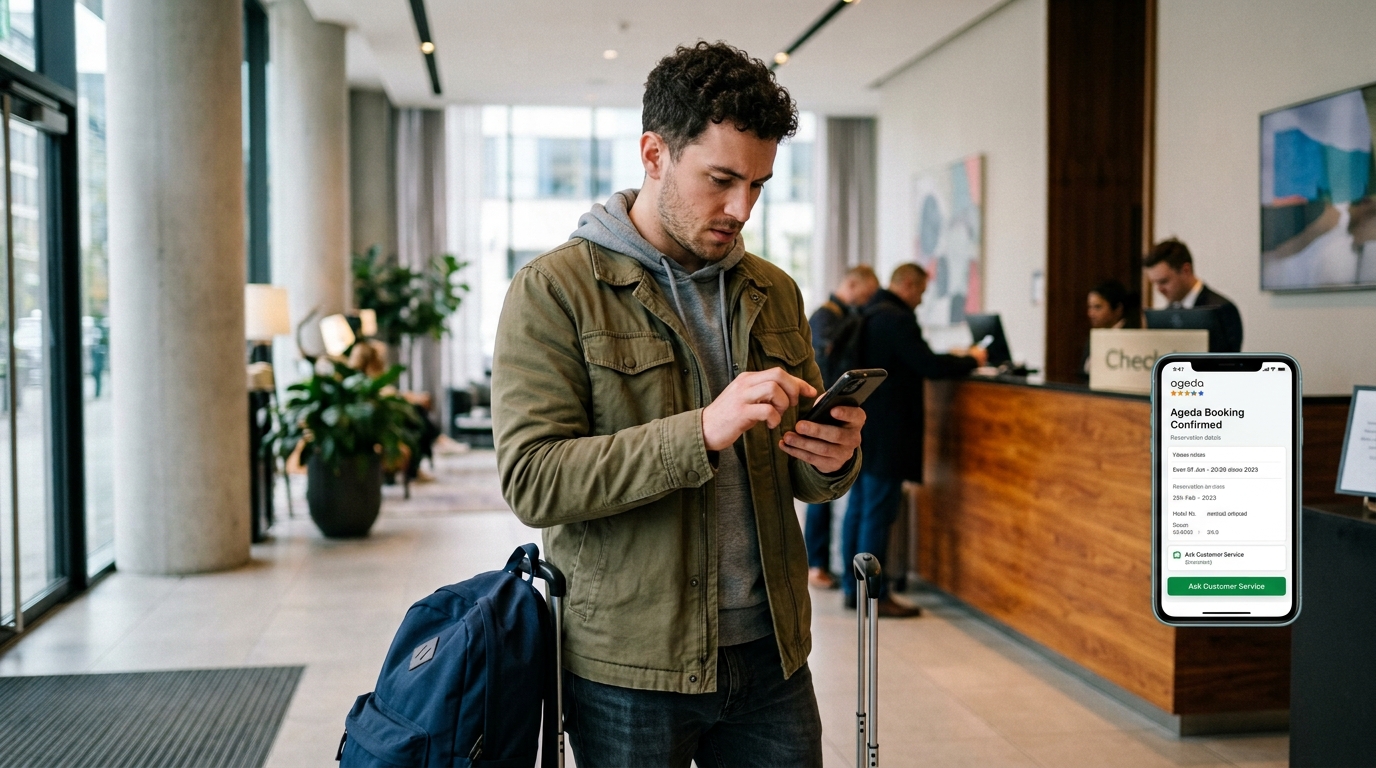
| The hotel cannot find your reservation | Show the property your Agoda confirmation. If the reservation still cannot be found, contact Agoda support while you are at the hotel. | Booking confirmation, booking ID, guest name, check-in date, and screenshots | Both |
| You cannot check in | Speak with the hotel front desk first. Contact Agoda immediately if the property refuses the reservation or says the booking is invalid. | Booking confirmation, identification used for the reservation, payment receipt, and photos or messages from the property | Both |
| Your room does not match the listing | Document the problem and ask the hotel to correct it. Contact Agoda if the hotel does not resolve the issue. | Photos, videos, room number, booking details, and messages with the property | Both |
| You were charged after canceling | Check the cancellation confirmation and your bank statement. Then contact Agoda to ask about the charge or refund status. | Booking ID, cancellation date, charge date, amount, and payment method | Agoda first, then your bank if needed |
| You see two charges for one booking | Compare the charges with your booking confirmation and contact Agoda support. Ask your bank about any duplicate charge Agoda did not process. | Booking ID, transaction dates, amounts, card statement, and payment receipt | Agoda first, then your bank if needed |
| You have not received an expected refund | Check the refund status with Agoda before contacting your bank. Your bank may need additional time to post the refund. | Booking ID, cancellation date, refund amount, confirmation emails, and payment method | Agoda first, then your bank |
| You have a problem during your stay | Contact the hotel staff first for urgent room or service issues. Contact Agoda if the hotel does not respond or the problem involves the booking. | Booking ID, room number, photos, receipts, and a record of your conversations | Both |
Tip: For urgent check-in problems, contact the hotel and Agoda at the same time. Keep screenshots, receipts, booking emails, and copies of all messages until the issue is resolved.
Before you contact Agoda, gather these details
A clear request can make customer service much more useful. Before opening a chat or sending a message, have the following ready:
- Your Agoda booking reference ID
- The email address used for the reservation
- Hotel or property name
- Check-in and check-out dates
- Lead guest name
- Screenshots of any errors, charges, or messages
- A copy of your booking confirmation
- A short description of what happened and what you want resolved
For example, do not send a vague message like, “My booking has a problem.”
Instead, write:
My Agoda booking reference is [booking ID]. My check-in date is [date] at [hotel name]. I need to change the booking because my flight was canceled. Please tell me whether the property can move my stay to [new dates] and what the price difference would be.
That gives the agent a clear place to start.
Use Agoda’s Help Center first
Agoda’s official Help Center includes support topics for:
- Booking cancellations
- Refunds and payment questions
- Date or guest-name changes
- Missing booking confirmations
- Booking status questions
- Check-in and check-out information
- Special requests
- Account access problems
Visit the Agoda Help Center, then select the topic that best matches your problem. If the articles do not solve it, follow the contact prompts for help with your reservation.
Why this is usually the best option
When you contact Agoda from inside your account, your booking details are already tied to the request. That can reduce back-and-forth messages and help prevent mistakes with dates, property names, or confirmation numbers.
It is especially helpful if you have more than one upcoming reservation.
How to cancel an Agoda booking
If your plans have changed, check the cancellation terms before you contact support. Your booking confirmation and reservation page should show the property’s cancellation policy.
Here is what to do:
- Sign in to your Agoda account.
- Open your upcoming booking.
- Look for the cancellation or manage-booking option.
- Review the refund amount and deadline before confirming.
- Save a screenshot of the cancellation confirmation.
Important: Check whether the booking is refundable
Not every hotel reservation can be canceled for free. A booking might be:
- Fully refundable before a stated deadline
- Partially refundable
- Non-refundable
- Changeable for a fee or price difference
Do not assume a cancellation is free because the trip is still weeks away. Read the specific terms attached to your rate.
If you booked a non-refundable stay because it had a lower price, Agoda may still need to contact the property to see if an exception is possible. It is not guaranteed, but a polite and specific request is better than a general complaint.
How to request a booking change
Need to change dates, shorten a stay, extend a stay, or correct the lead guest’s name? Start from the booking management page in your Agoda account.
Some changes can be handled online. Others may require Agoda to check with the hotel.
When asking for a change, include:
- Your current booking dates
- Your requested new dates
- The number of guests
- Whether you will accept a rate increase
- Any deadline you are facing
For example:
I would like to move my reservation from June 12 to June 15, to June 14 to June 17. Please confirm whether the same room is available and tell me the total cost before making any changes.
This is much better than saying, “Can I change my hotel dates?”
Agoda customer service for refunds
Refunds can feel slow, especially after a canceled trip. First, make sure the reservation was actually canceled and that it qualifies for a refund.
Then check:
- The cancellation confirmation
- The amount that should be refunded
- The original payment method
- The estimated refund timeframe shown in your booking details
Agoda’s Help Center includes articles for refund status, eligibility, and payment questions. If your refund is overdue, contact support from the booking page and include proof of the cancellation.
What to say when a refund is late
You can use this message:
My booking reference is [booking ID]. The booking was canceled on [date], and my confirmation shows that I am eligible for a refund of [amount]. I have not received it yet. Please confirm the refund status, amount, and payment method used.
Keep your message focused. Include your details once, then ask for the exact answer you need.
What to do if you were charged twice
A duplicate charge can happen for several reasons. One entry may be a temporary card authorization rather than a completed charge. In other cases, two separate payments may have been processed.
Before contacting Agoda, check your card activity closely:
- Is one charge still pending?
- Do both transactions have the same amount?
- Are they tied to the same booking date?
- Did you accidentally make two reservations?
Take screenshots that show the date, amount, and merchant name. Then contact Agoda through the booking support path.
Use this message:
I believe I was charged twice for Agoda booking [booking ID]. I see two charges of [amount] on my card ending in [last four digits]. I attached screenshots of both transactions. Please confirm whether one is a pending authorization or a duplicate charge.
What if you never received an Agoda confirmation email?
First, check your spam, promotions, and junk folders. Also make sure you are looking at the email account used when you made the reservation.
Next, sign in to Agoda and look for the booking in your account. Agoda’s Help Center includes support for missing confirmations and help locating a booking online.
If you cannot find the reservation, gather:
- The property name
- Travel dates
- The guest name
- The payment amount
- The last four digits of the card used, if needed
- Any screenshot showing the booking or payment screen
Avoid sharing your full card number or other sensitive financial information in a message.
What to do if you have a problem at check-in
A check-in issue is stressful, especially after a long flight or late arrival. Stay calm and collect the facts before you contact Agoda.
Show the front desk your Agoda confirmation and ask the property to check the booking under:
- The lead guest’s name
- Your Agoda booking reference
- The dates of your stay
If the hotel says it cannot find the reservation, ask the staff to confirm the issue in writing, or take a screenshot of any message they send you.
Then contact Agoda from your booking and explain:
- You are at the property now.
- The hotel cannot locate or honor the reservation.
- The name of the hotel employee you spoke with, if available.
- What the hotel told you.
- What help you need right away.
If you have to book another room because you have nowhere to stay, keep every receipt. Do not assume you will be reimbursed, but documentation gives you a much stronger case.
Tips for Getting a Faster Response From Agoda Customer Service
Customer service teams handle a huge number of travel requests. You cannot control the queue, but you can make your request easier to resolve.
Be Specific
State the booking ID, hotel name, travel dates, and desired outcome in your first message.
Use Short Messages
A long story can hide the important details. Give a brief timeline, then ask a direct question.
Attach Proof
Screenshots of charges, cancellation terms, hotel messages, and booking confirmations can help.
Keep a Record
Save chat transcripts, emails, screenshots, and cancellation confirmations. This is useful if you need to follow up later.
Contact Support Early
Do not wait until check-in day to ask about a name change, date change, or cancellation. Hotels may have more options when they have more notice.
Stay Polite, but Firm
You do not need to be aggressive to be clear. Explain the problem, provide the proof, and ask for the next step.
Search results often show Agoda phone numbers from third-party websites. Some may be outdated, incorrect, or intended for another region.
For account and booking help, start at Agoda’s official Help Center or from the booking in your account. That lowers the risk of sharing your booking reference or payment details with the wrong party.
Be extra careful if someone asks for:
- Your full credit card number
- Your card security code
- A bank transfer to “fix” a booking
- A payment through gift cards, cryptocurrency, or an unfamiliar payment app
- Remote access to your phone or computer
Those are major warning signs.
Compare Hotel Prices on Agoda
Search hotels, apartments, resorts, and more for your next trip. Check the booking terms carefully before you reserve.
Try Agoda.com TodayOpens Agoda.com in a new tab.
The best way to deal with Agoda customer service is to start with the booking itself. Have your reservation details ready, explain the problem in a few clear sentences, and save proof of every important step.
A little preparation can make the difference between a frustrating support conversation and a problem that gets resolved quickly.
Related reading: Before your next reservation, read our guide on how to use Agoda for smarter hotel bookings and learn why you should check the price before you pay on Agoda.
Frequently Asked Questions About Agoda Customer Service
Quick answers for common Agoda booking, cancellation, refund, and check-in questions.
Is Agoda customer service available 24/7?
Agoda states that its customer service messaging platform is available 24/7. Start through the official Help Center or your booking details for the right support options.
How do I speak to a real person at Agoda?
Sign in, open the affected booking, and use the official contact path. If automated help does not solve the issue, follow the prompts to send a detailed request to Agoda support.
Can Agoda help me change my hotel dates?
Sometimes. Whether a change is possible depends on the hotel’s availability, your booking terms, and any price difference. Check your booking first, then request the change through Agoda.
How long does an Agoda refund take?
Refund timing can vary based on the booking, payment method, and your bank or card provider. Check your cancellation confirmation and refund status in your Agoda booking details before contacting support.